
Photobooth photos: build a dependable delivery workflow
A captured photo, an uploaded file and a visible image are different states. Check each one.
A booth may keep taking photographs while gallery uploads encounter a problem. Conversely, a transfer can succeed without the file appearing in the intended client delivery. For an operator, those situations require different checks rather than one general 'online' indicator.
A dependable delivery chain is built around observable states. Connection availability or an upload message is not enough. This article describes how to prepare the operation before an event, monitor the relevant steps on site and complete the handover afterwards. The method must be tested with the actual booth setup you operate.
Key takeaways
- Watch completed exports and preserve local captures.
- Verify each event destination before automating uploads.
- Prepare a recovery procedure for interrupted connectivity.
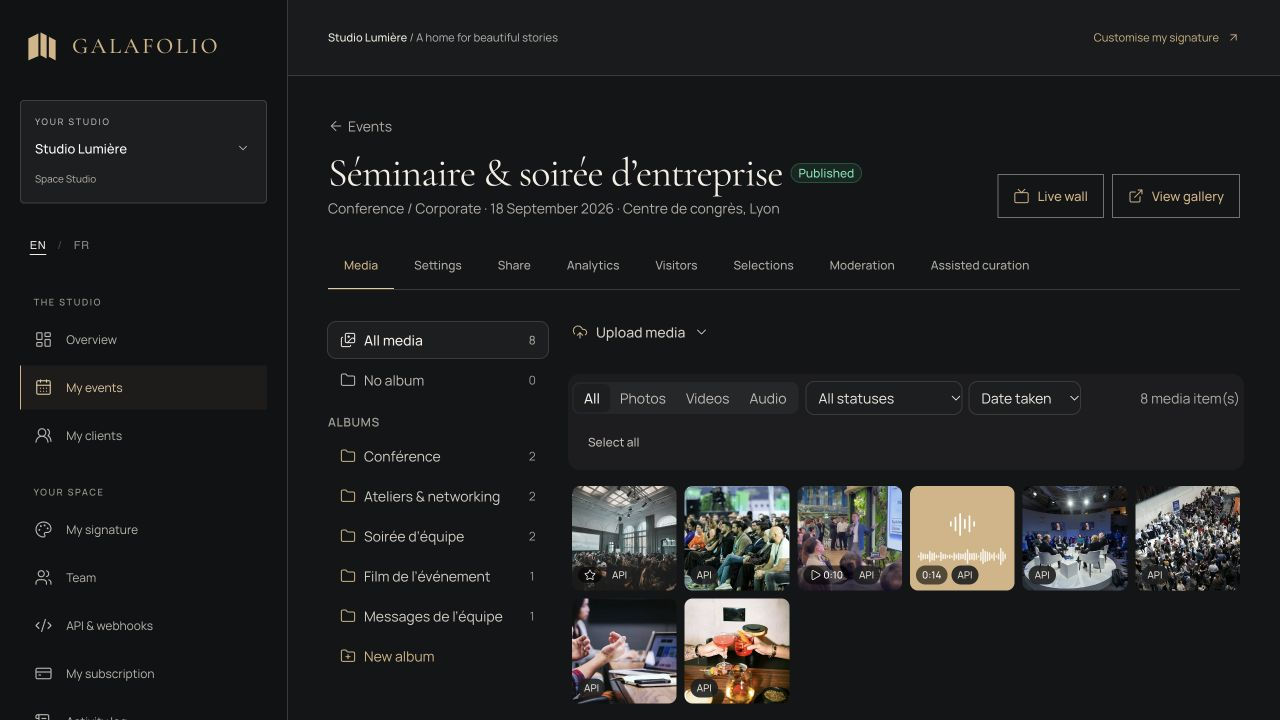
Map one photograph's path to the client
Write the stages used by your installation: capture, booth-software processing, completed export, transfer, platform processing, visibility and browsing. Identify where a person can verify each result. A preview on the booth screen does not establish that a finished export exists or has reached its destination.
Choose a recognisable sample batch and send it through the entire chain. Record filenames and the destination event. This rehearsal is more useful than a management-interface-only test because it includes the real output produced by the software used during the event, including its naming and export timing.
| State | Evidence | If the check fails |
|---|---|---|
| Completed export | Final file in the chosen directory | Examine booth-software output |
| Transfer completed | File received in the right event | Check connectivity, access and logs |
| Visible to client | Media appears through the visitor link | Review publication and settings |
Prepare the destination before starting uploads
Create the correct client event and destination album, then check their identifiers. Automation aimed at the wrong destination can work technically while filling the wrong delivery. Have the operator confirm the service, event and settings match before opening the booth to guests.
Galafolio's hot-folder script uses the event API with a key authorised for the organisation. Keep that key in the operator's environment. It does not belong in a QR code, public screenshot or guest instruction. A visitor link and technical API access serve different purposes and should remain separate in the operating procedure.
Watch the completed-export directory
Point the watcher at finished photobooth exports. Avoid directories where intermediate files are still being written and replaced during processing. If the booth software allows choosing an output location, document that setting and check it after an update or profile change. The watched directory should be an intentional production boundary.
The supplied Galafolio hot folder is a standalone Node.js tool, not a plugin controlling the camera or printer. Its configuration includes a directory, event, server destination and optional album. The technical guide covers setup. Test the actual software combination rather than assuming compatibility from the booth's name or hardware model.
Define what continues when connectivity stops
Online transfers require a connection. Prepare a procedure separating continued local capture from publication to the gallery. Do not promise offline upload. Explain how files remain available locally and how they will be checked after connectivity returns. This also helps an operator respond accurately to the organiser.
The script keeps a local journal of completed transfers. The operator should know how to inspect failures and compare exported files with received media. After an interruption, verify a recognisable batch and outstanding errors before concluding that everything was recovered. Connectivity returning is not, by itself, evidence of successful delivery.
Check the live wall separately from the gallery
If the service includes a photo wall, test the display after confirming the media are present. The wall uses visible event media. It is not a file-approval tool or a separate archive of the delivery. Display setup and gallery publication should each have their own check.
When guests may contribute, prepare an appropriate review step before making their files visible. Explain what may appear on the screen and who controls publication. A large display at the venue should not become the first place where the team discovers an unreviewed contribution or an export that was only intended as a test.
Close the event with a handover check
After the event, compare the intended local batch with the online delivery, inspect the album structure and open the visitor link without the manager's session. Verify an allowed download, access instructions and availability period. If a batch remains unfinished, tell the client rather than implying the delivery is already complete.
Preserve originals and exports in your backup process. Record incidents and the actions that resolved them so another operator can repeat the workflow. A chain becomes operationally useful when somebody other than its creator can check each stage, not merely when one person has completed a successful rehearsal.
- The client and destination event were confirmed.
- The final batch was compared with local exports.
- Promised browsing and download actions were tested.
- Originals retain a separate backup.
Put the method into practice
For photobooth work, the online gallery is the final stage of a production process. Galafolio can receive exports, organise a handover and present media to clients. Capture, export and connectivity checks remain operational responsibilities that need preparation and a named owner.
Use the hot-folder guide for configuration, then replay a complete event before offering the workflow. The useful reference is a photograph found in the correct visitor journey, with a local backup still preserved.
Common questions
Does the hot folder control printing or capture?
No. It watches exported files and sends them to the API. Booth software continues handling capture, processing and printing.
Will every uploaded file necessarily appear on the wall?
Check receipt, visibility and display separately. An upload succeeding is not sufficient evidence that the media has been shown.
Can local exports be removed immediately after upload?
Preserve a separate backup according to your procedure. Verify the complete handover and retention commitments before making decisions about production sources.