
Collect guest photos with a QR code: the complete event plan
A QR code opens a journey. Successful collection also needs a clear instruction, connectivity and somebody reviewing the files.
Putting a QR code on a table can look like the entire job of collecting guest photographs. In practice, visitors need to understand its purpose, reach the right screen and know what happens after submitting a file. The organiser must also decide who reviews contributions and which ones may be shared.
For an event supplier, collection is a small service journey to prepare. This plan covers the destination, on-site instructions, testing, review and incorporation into the final handover. It can support corporate events or private celebrations, provided the audience and access settings fit the occasion rather than being copied unchanged.
Key takeaways
- Distinguish contributing from browsing the delivered gallery.
- Test the printed material and full journey on a phone.
- Name a review owner before asking guests to upload.
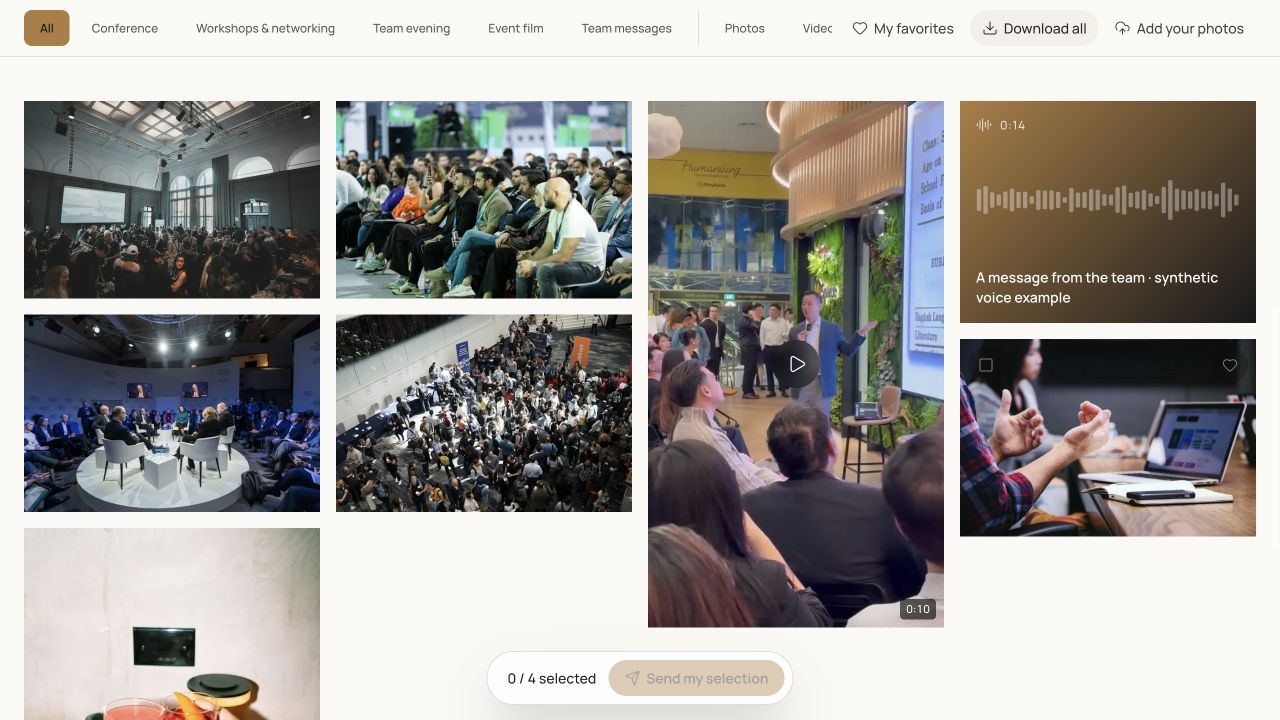
Define what participants are being asked to contribute
Establish the purpose before designing the card: spontaneous memories, additions to professional coverage or images for a reviewed live display. Those uses may need different review timing and instructions. Do not describe guest contributions as a guaranteed replacement for professional event photography.
Choose the media you are asking for and how the request will be explained. A short instruction can identify the subject and ask for suitable files. Decide who will help guests who cannot understand the process or encounter a refused format. A named contact makes the request easier to operate during a busy event.
Separate uploading from browsing
A visitor link lets people browse published material. A contribution link lets them send new files when that function is enabled. Putting the wrong destination in a QR code may send participants to photographs they can view while leaving them unable to do the upload you expected.
Prepare Galafolio's event contribution journey and verify the QR destination. If you also circulate access to the final gallery, use clearly different labels. Visitors should not have to infer a link's role from its colour or location. Read the printed instruction as if you had never seen the studio interface.
| Destination | Possible instruction | Check |
|---|---|---|
| Contribution | Share your photographs from the event | The journey actually permits an upload |
| Browsing | Explore the published event media | Visitors reach the intended gallery |
| Help | Having trouble? Ask the event team | A person knows the procedure |
Prepare readable materials and a fallback
Keep the QR code in a clear area and explain what opening it will do. Test the final printed size and material under realistic lighting. A code working on the designer's screen may behave differently after printing, folding or being positioned farther away. Test the physical support rather than only its source file.
Offer a comprehensible alternative for somebody unable to scan: a public address they can enter or help from the team. Never place an operator's API key on the support. The destination should be the intended public journey, not technical access to the organisation. Confirm the final artwork still contains the approved link.
Test a complete phone upload
Try the process without your management session: scan, open, select a small file, send it and check the confirmation. Then verify its arrival in the correct event. The test must cover the whole journey rather than only the page that appears after scanning the code.
Use the devices and browsers available within your team. On-site connectivity matters too: an online collection requires a network connection. Do not promise that guests can upload without connectivity. Prepare an instruction for trying later or getting assistance, so uncertainty does not produce repeated attempts and unexplained duplicate submissions.
Arrange review before enabling collection
Name someone able to review incoming files, leave unintended duplicates unpublished and choose material suitable for the agreed audience. Establish those criteria with the organiser. A guest sending a file does not automatically make it suitable for distribution to everybody at the event.
When using a live wall, make the publication decision before projection. The wall displays visible media and does not replace review. Also check that unapproved files remain absent from the visitor experience. People operating the studio during the event should understand this distinction and know who can make the publication decision.
- A review owner has been identified.
- The gallery audience has been agreed.
- Contribution publication is controlled.
- The live wall has a separate display check.
Finish collection with an organised handover
After the event, review the received batch, its structure and its relationship to other media. Separate guest contributions from professional coverage when that helps browsing or matches the promised service. Choose album names that let clients find the contents without understanding the production process.
Send the browsing link with access and availability instructions. If downloads are offered, test them and explain how recipients can preserve delivered files. Evaluate your own collection using observable facts such as received uploads and reported difficulties. A scan count alone does not prove successful file submission, useful coverage or recipient satisfaction.
Put the method into practice
A well-positioned QR code is an entrance, not the whole service. The useful work lies in the journey that follows: the right destination, understandable instructions, tested connectivity, reviewed contributions and an organised client delivery.
Use Galafolio's guest-photo collection guide to prepare that journey, then run a full trial before printing the supports. The link and wording remain easy to correct while participants have not yet received them.
Common questions
Does a QR code remove the need to test connectivity?
No. Scanning may open a page while an upload still needs a working connection. Test the venue and prepare a process for difficulties.
Do guests need to install an app?
Galafolio's journey runs in the browser. Event access settings may still apply, so test the real experience without the studio session.
Can every contribution appear immediately?
Agree publication and review rules with the organiser first. Receiving a contribution does not automatically make it suitable for public display.